BRICKS BITS
Simple custom blocks for Bricks Builder.
Integration //

Lottie block
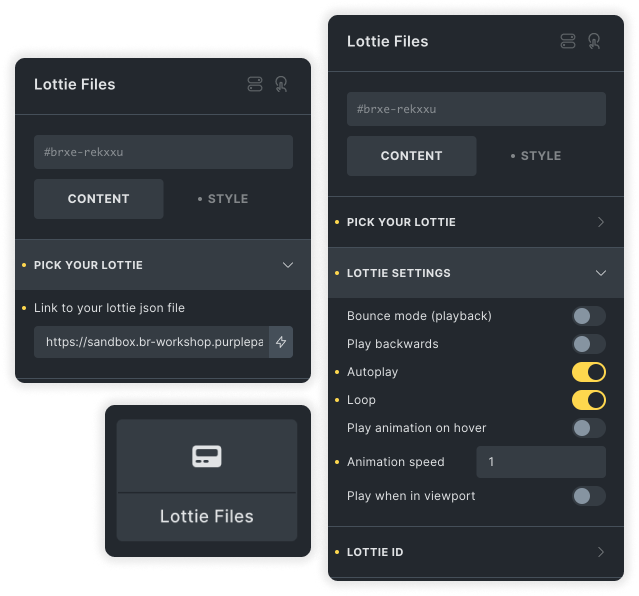
Add a lottie animation to your page with this 'Lottie file block'. Add a link to your element's JSON (uploaded internally on the site or externally) and use the settings to customize as needed.
Options:
- Bounce mode
- Playing direction (backward or forward)
- Loop
- Autoplay
- Play on hover
- Play when visible in viewport
Custom block //

In-builder notice
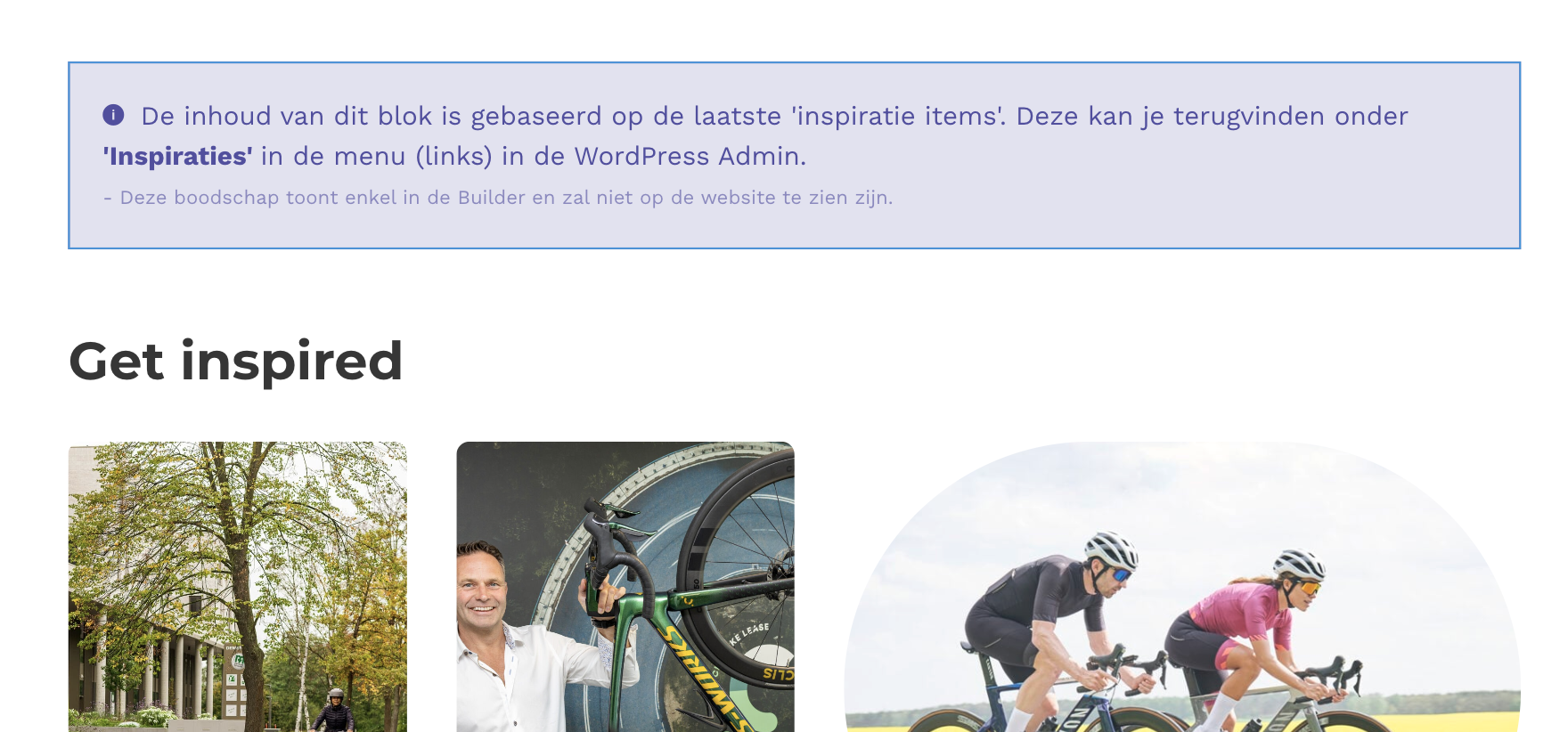
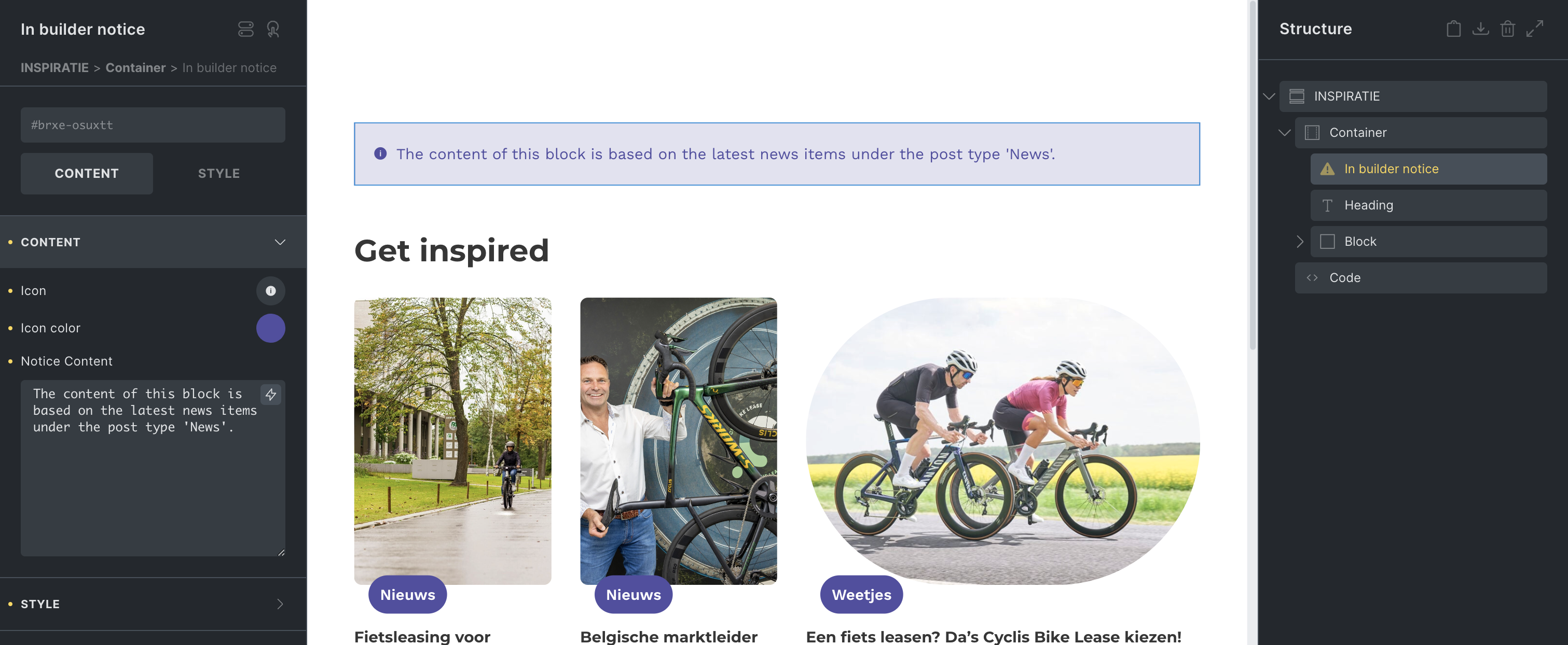
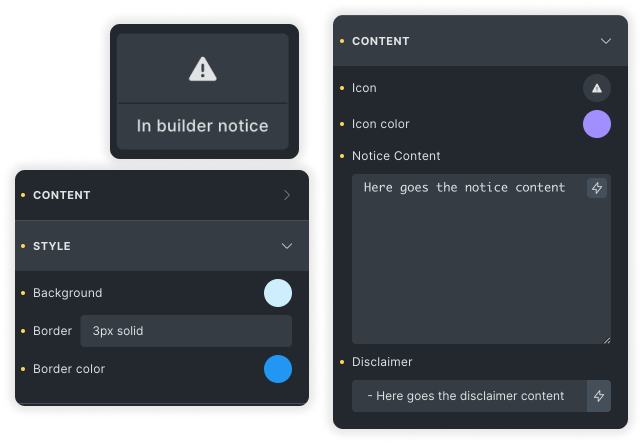
Add messages to components and templates that will only render inside the builder.
This way exceptions or extra information about the content can be added to a template, to streamline content input.
This way exceptions or extra information about the content can be added to a template, to streamline content input.
Options:
- Message: Notice text
- Icon: icon in front of the notice
- Style: color of the notice text, border and background
- Disclaimer: A small context that explains this notice is in builder only.
Integration //

LDR block
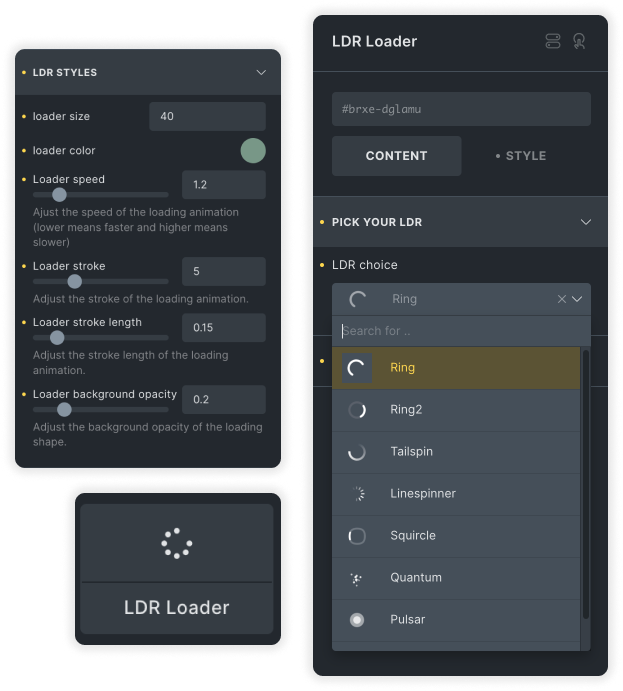
In a simple block you can add the plug and play loading animations from LDRS
Options:
- Select the LDR (loader shape / animation)
- Size
- Color
- Speed
- Stroke (if applicable)
- Stroke length (if applicable)
- Background opacity (if applicable)
Custom block //
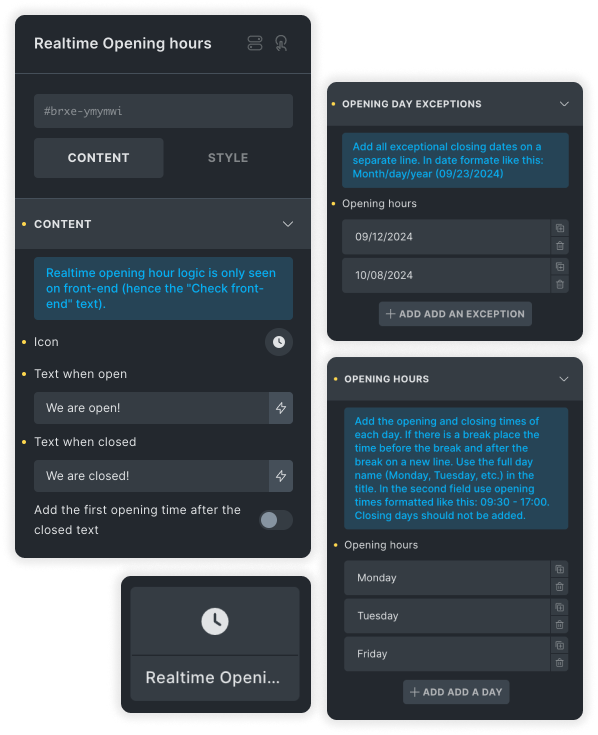
Real-time opening hours
A simple block where you can set the opening hours for your business. Based on these opening hours the block displays if the store is currently open or closed and optional when the next opening is going to be.
Options:
- Icon
- Text for when open and when closed
- Option to display the next opening will be
- A list to add opening hours
- A list to add exception dates (ex. holidays)